What an exciting school year this has been! I started creating our Wolverine News Youtube Channel with students in grades K-5 creating special segment introductions to teach Green Screen skills. From there students applied to be Wolverine News Team Members and learned how to create a news broadcast from beginning to end! Additionally, students, parents, teachers, and administrators have also submitted over 1000 Book Reviews and Quotes of the Day (using FlipGrid) to be included in our Wolverine News broadcasts! I am so proud of all that our Winkley Family has learned and accomplished this 2017-2018 school year!
Pictured above is how I use ClassroomScreen to keep kids on track with directions and how much time they have left to complete their learning goal.
My first school year in Texas and back in Elementary School after 12+ years at the high school level is more than half way over! It has been a fun yet challenging adventure. I started off the school year using a center rotation system so that I could work with smaller groups of students to teach a wide variety of skills. You can read more about how I run centers in an Elementary School library HERE.
Now that this routine has been established and the majority of "basic" skills I wanted students in grades 3-5 to master have been achieved it is time to switch things up to empower even more student voice and choice while also continuing to teach technology skills, digital citizenship, support the curriculum, and more.
While students K-2 will continue learning in center rotations, 3-5 students have begun their first steps towards creating digital portfolios. I have been presenting about digital portfolios for at least seven years after having discovered Dr. Helen Barrett's Electronic Portfolios website.
Then I was fortunate enough to work my last two years before retiring from Alabama in the Madison City School District with visionary and digital portfolio advocate, Daniel Whitt. Daniel has successfully implemented digital portfolios for students 3-12 with the help of school librarians and others. In fact, librarians & teachers Missy King, Sara Baragona, and Ashley Strode are presenting at ISTE 2018 on Monday, June 25, at 9:00–10:00 am to share what Madison City Schools has been able to accomplish with their digital portfolio initiative. You can access Daniel's digital portfolio files any time HERE.
Before jumping right into building our digital portfolio websites (we are using Google Sites) I wanted to give my 3rd, 4th, and 5th grade students a chance to reflect on themselves since their digital portfolio home page is their "introduction" to the world. While I would encourage high school students to write an About Me introduction (example: Sean Neal) I felt that the age group I was working with could better express themselves through an "All About Me" assignment. Rather than simply printing out the All About Me worksheet I found online, I created my own All About Me in Google Drawings. Then I pushed this out to students using Google Classroom so that each student had their own copy to work on. This way I wasn't only letting them reflect in preparation for their digital portfolio home page, I was also teaching kids how to use Google Drawing. Since I would be out of town during this time I used YouTube Live to record my lesson for my substitute to play.
So far so good! I've been really pleased with the creativity students are showing in completing this task. Take a look at this one done by a 3rd grader!
One motivator for students to work diligently on the tasks we will do while building or digital portfolios is the ability to have "free" time after successfully completing each task or goal. "Free" time includes access to makerspace activities like our BB8 robot, games, LEGOs, arts & crafts, Bloxels, VR and AR, Merge Cube, OSMO, coding activities, working on homework, reading, relaxing and listening to music, socializing, etc. In other words, as long as students are doing something school/library appropriate once they have completed their task they have the rest of their classroom time to do what they choose to do.
The reaction from kids has been extremely positive and it feels good to see the kids so excited about this change. I also love that as we build our digital portfolios it will be something teachers can start using in their classrooms and with parents during parent/teacher conferences to highlight student accomplishments.
Be sure to follow the Winkley Library on social media to stay up to date with this new adventure!
The 1st nine weeks had come to an end and I had just started in on my 2nd nine weeks of Library Center rotation activities when it dawned on me that the quickly approaching holiday season was going to throw all of my plans into utter chaos. Thanksgiving Break, the Scholastic Book Fair, special school wide Holiday Events, Winter Break, and me being out sick (UGH) all took big chunks out of the normal library routine.
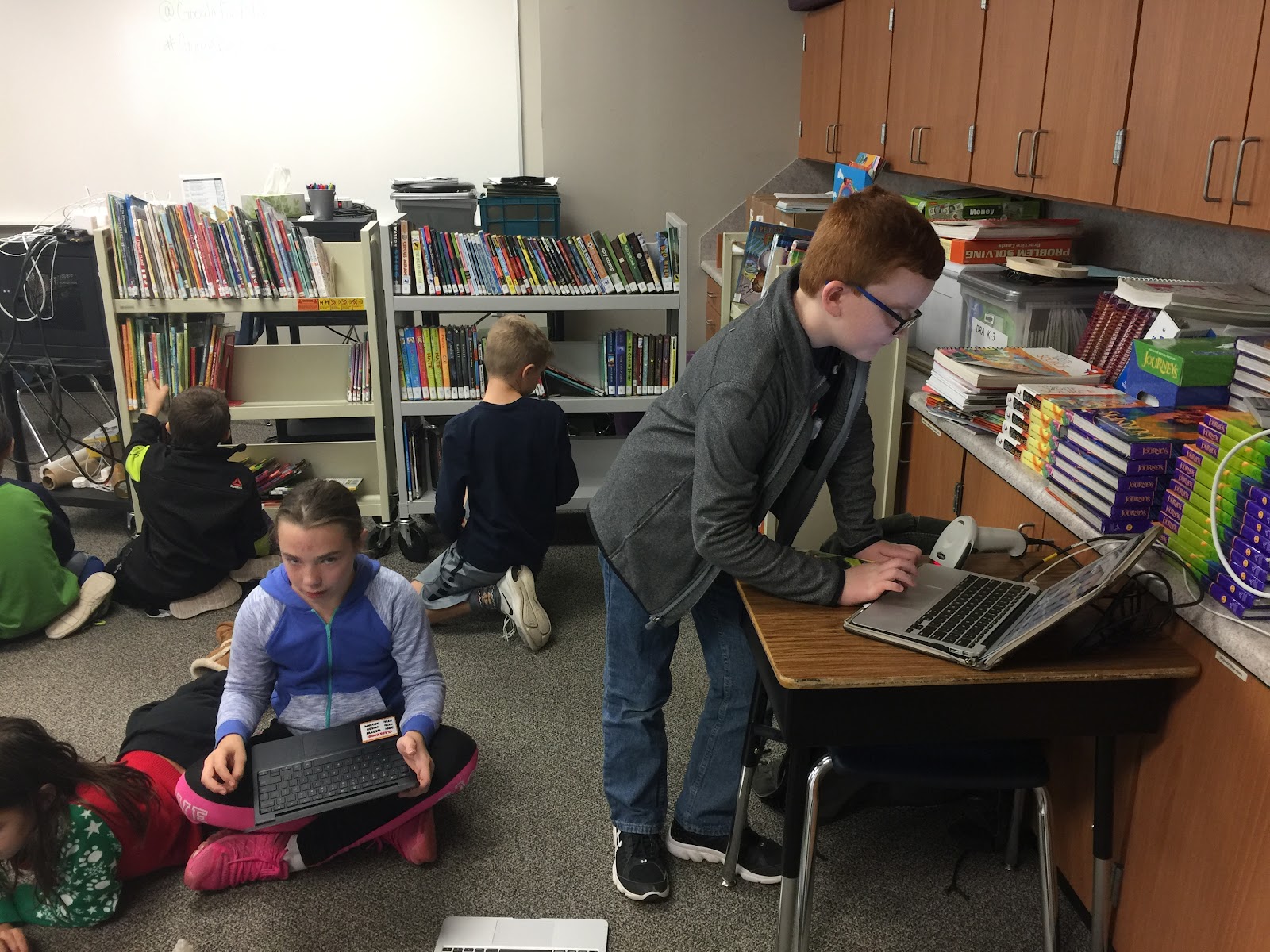
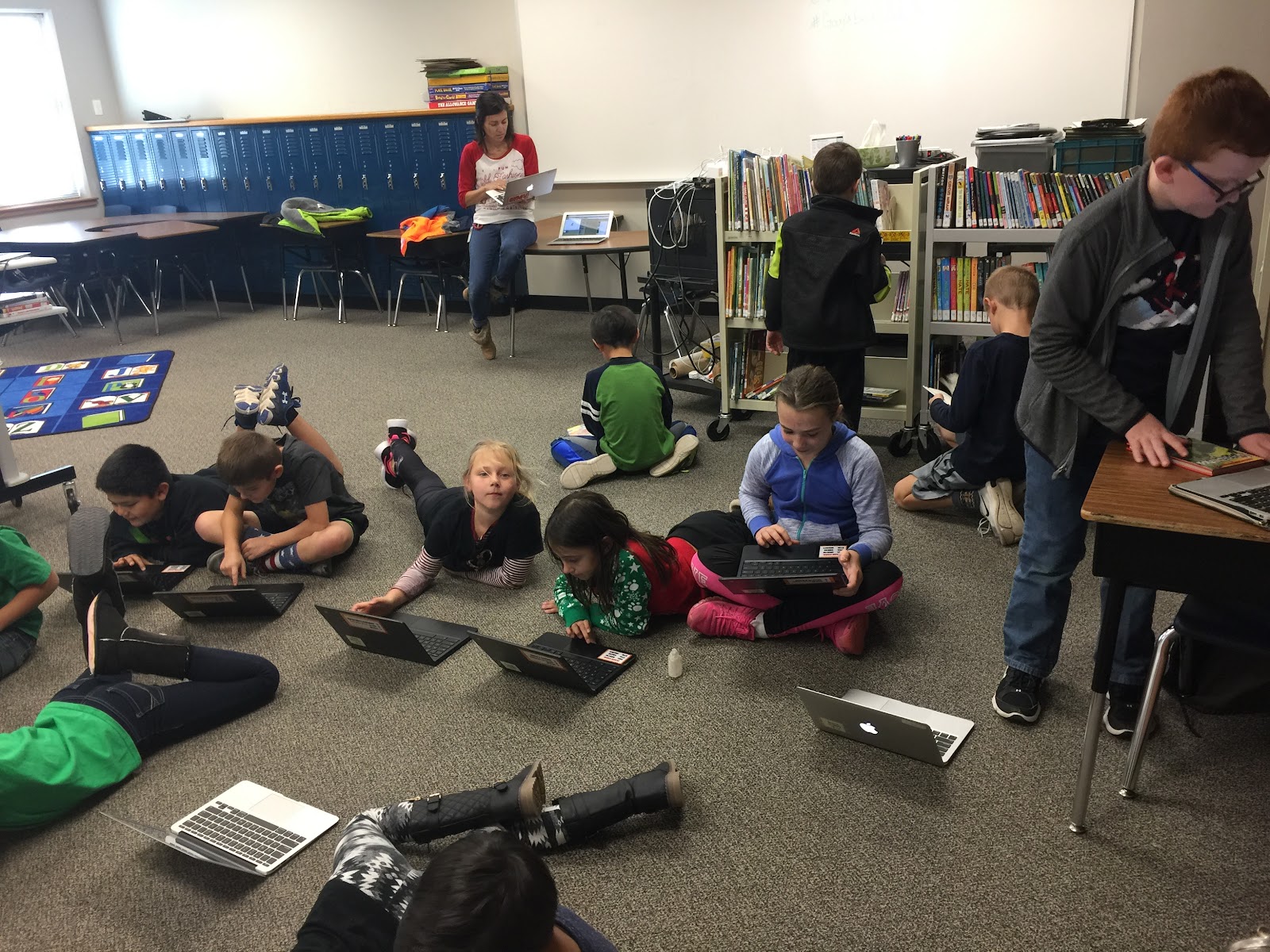
I am extremely lucky that the PTA is in charge of the Book Fair. All I do for the Book Fair is provide our Library as a space in which it can be set up; PTA does the rest. Since the conditions in the library with all the coming and going of Book Fair patrons wasn’t conducive to teaching and learning, I moved the library to an empty classroom upstairs. My wonderful library aide, Sandy Perez, and I worked together to turn the room into a pretty awesome little library space. We pulled a few carts of popular books so students could still check out books, we carried the reading carpet up, and redesigned our library activities to better suit the space and limitations we faced.
Fortunately, these hiccups actually worked out for the best as Hour of Code week fell within this time period and could be accommodated in our smaller space using MacBook and Chromebook laptops.
Kindergarten and 1st Graders learned how to code using Tynker’s Hour of Code Puppy Adventure game. This is the one I found was most compatible with the ability level of my students with regards to understanding coding as well as with use of a trackpad on a laptop. 2nd through 5th graders learned how to create a Holiday Card using Scratch. Scratch is awesome because it passes the “If Ms. Robertson can do it” test! Scratch has great step by step directions that, with a little modeling, can easily be followed by students. I absolutely love seeing the lights go off in students eyes as what they are doing “clicks” and then they take off on a creating rampage! Getting them to come to a stop so the next library class can come in is the hardest thing I have to do.
5th Graders got an extra little treat this week. I wrapped up our Scratch coding lesson about 10-15 minutes early each class and then we “made” a silent movie. Ask your kids what a silent movie is. The responses are so cute! Then actually explain the concept and the confusion on their faces is so precious. “Why didn’t they just record what the actors were saying?” What made it even funnier was that I’ve had laryngitis while teaching this and the kids thought it had something to do with not being able to talk!
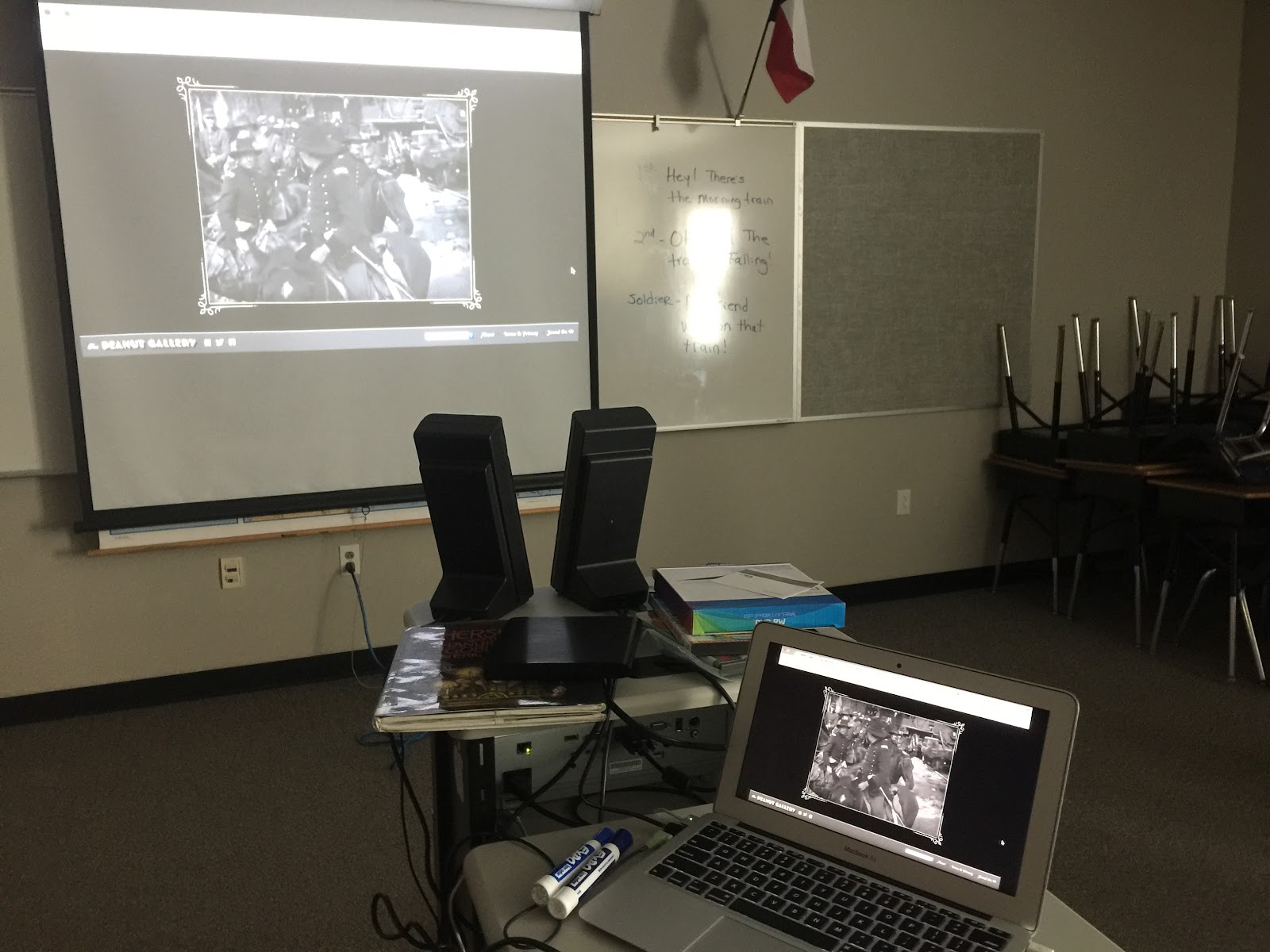
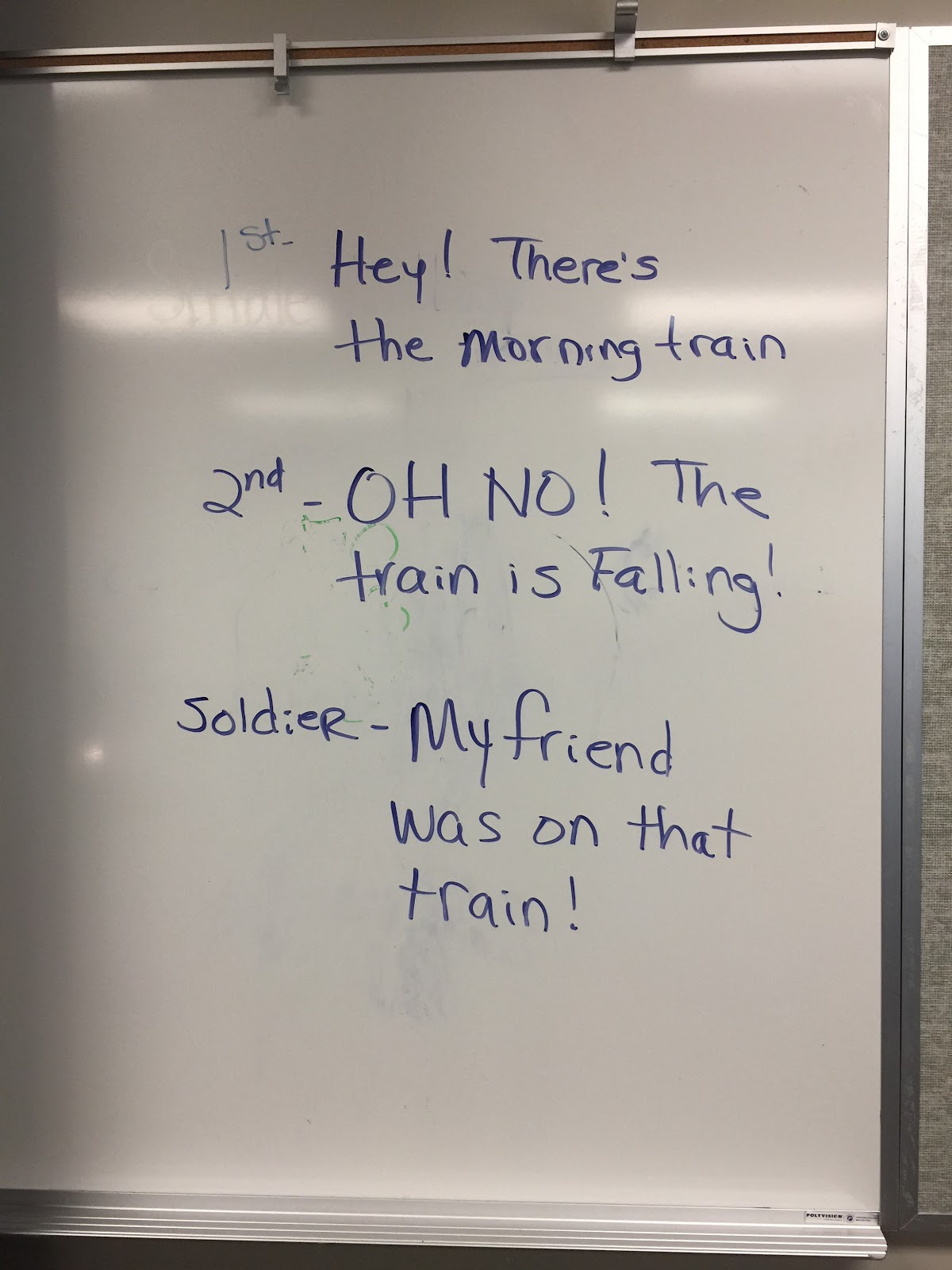
Once explaining what a silent movie was we then made our own silent movie using the Chrome Experiment, Peanut Gallery. We watch a movie clip and then worked together to write a “script” on the dry erase board. Then students were chosen to speak the parts in Peanut Gallery. Then we watched our silent movie! Watch two of the ones we made using the links below:
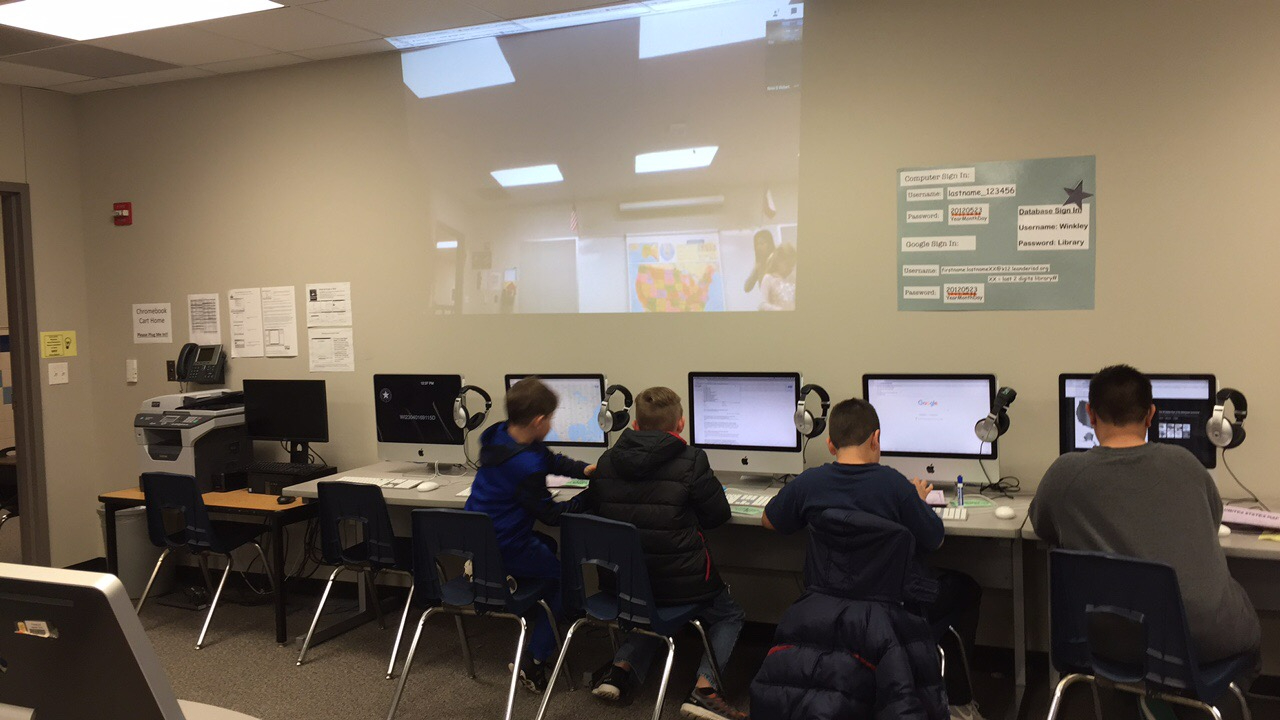
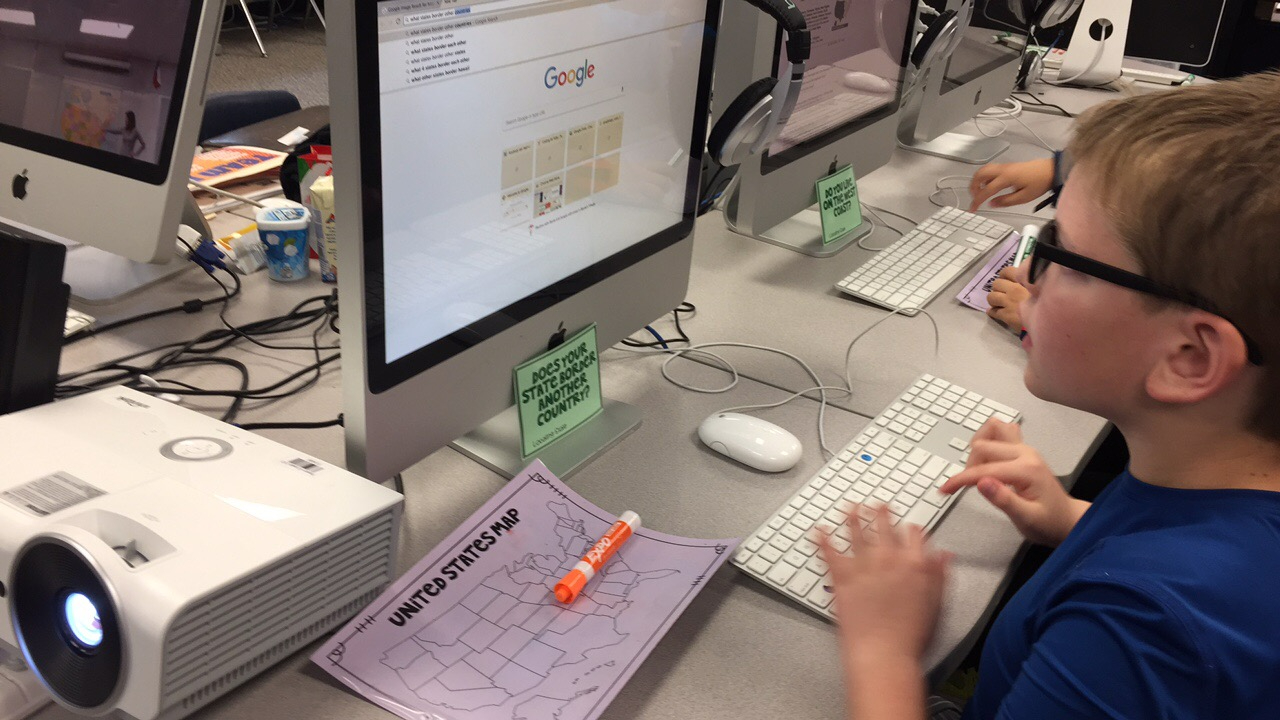
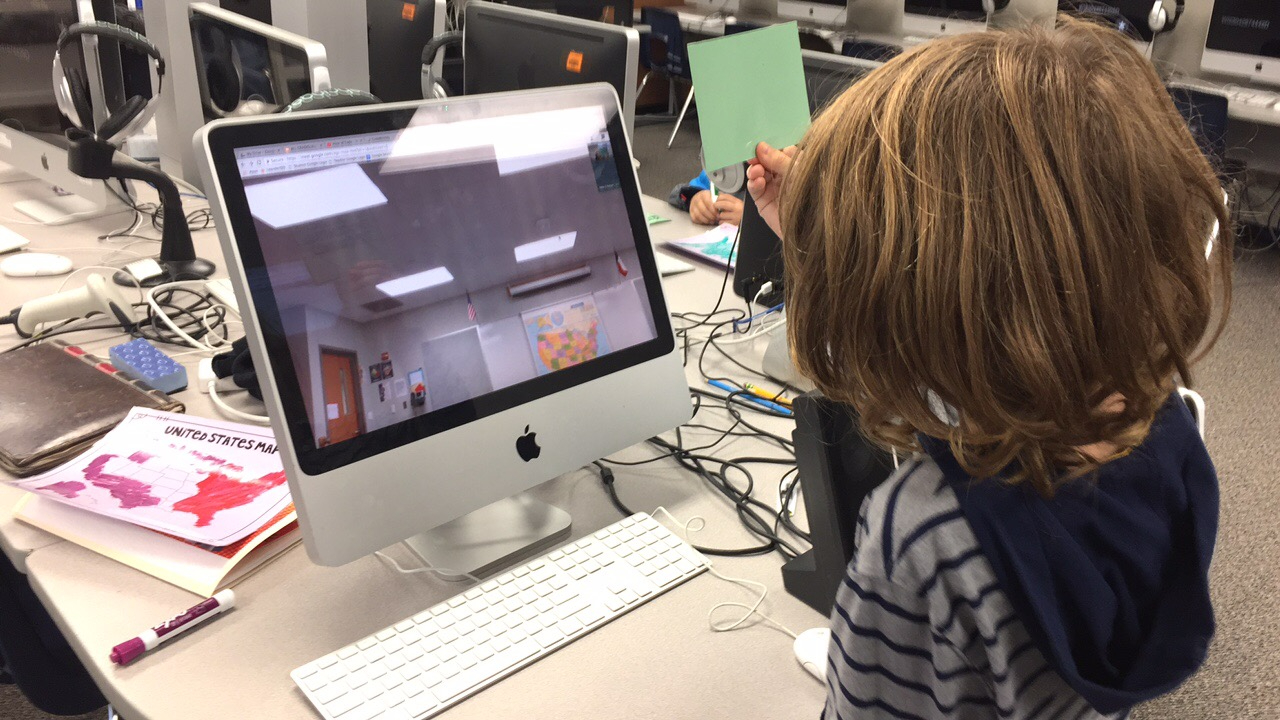
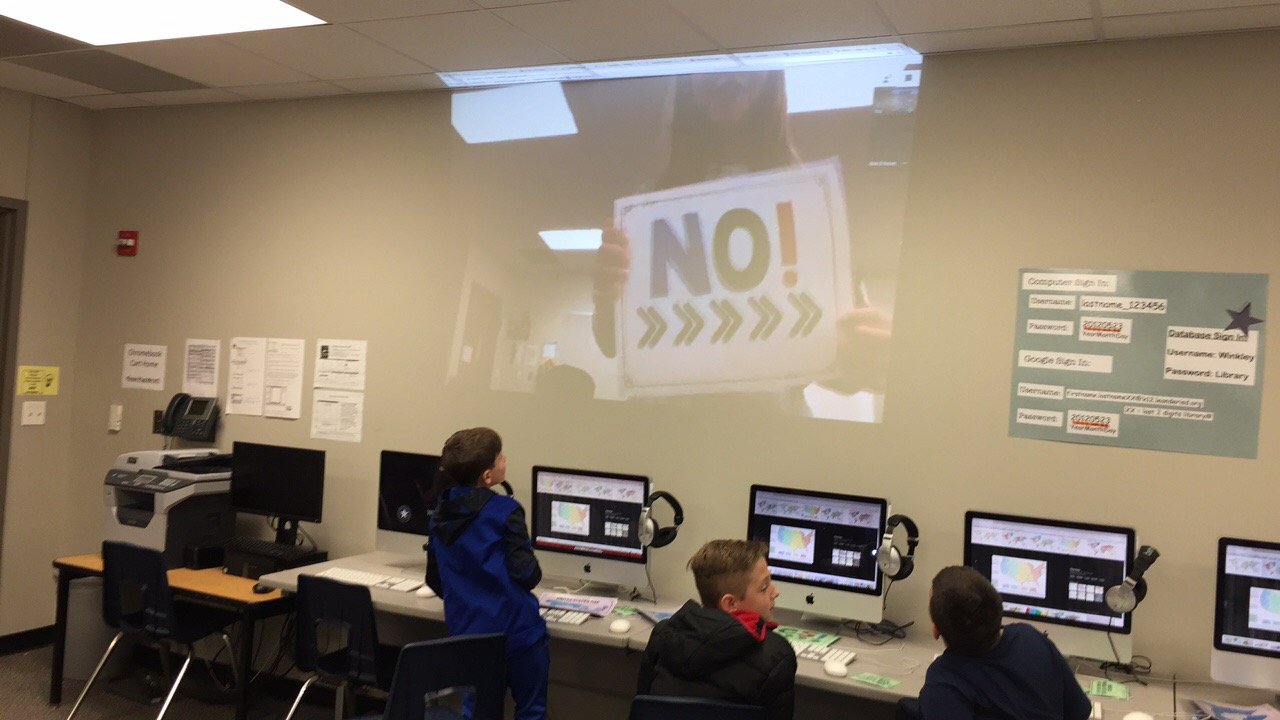
3rd through 5th graders also had the opportunity to participate in a “mock” Mystery Skype. What Sandy Perez, Dorothy Marinski (Instructional Coach), and I did to facilitate this activity is as follows.
We explained the concept of Mystery Skype to students but told them just like in Sports or other competitions we wanted to practice first before competing against a “real” team. Thus, we split the class into two teams. Each team drew a state and city from a box where I had cut out 50 states and cities. In advance, I had also printed and laminated two sets of Mystery Skype “playing cards” that I got from Teachers Pay Teachers. I also printed on cardstock and laminated the US/World Maps provided inthe Teachers Pay Teachers package. Then, with dry erase markers in hand, Sandy and Dorothy took half of the class to a different room and we “Skyped” with each other. I say “Skyped” because we actually used Google Meet instead of Skype because it just worked better in our school setting. Students then proceeded to play Mystery Skype until one team was able to guess the other teams state or until we ran out of library time.
Now that we have played Mystery Skype the kids are super eager to play it for real! I promised the kids I would search over Winter Break for classes who wanted to challenge us to a game!
This activity was a great way to teach so many different skills! Research skills, map skills, deductive reasoning, critical thinking, effective questioning, and so much more!
A few classes these past few weeks even had some time to get silly with some apps! Check out the carnage that happened when BB-8 went crazy and attacked this 5th Grade class! OH MY!
The holidays can be such a stressful time. I love that we found a way to teach our kids lots of important skills while also having a bit of fun!