Showing posts with label Skype. Show all posts

Thursday, December 14, 2017

This Holiday Season @Winkley Library


The 1st nine weeks had come to an end and I had just started in on my 2nd nine weeks of Library Center rotation activities when it dawned on me that the quickly approaching holiday season was going to throw all of my plans into utter chaos. Thanksgiving Break, the Scholastic Book Fair, special school wide Holiday Events, Winter Break, and me being out sick (UGH) all took big chunks out of the normal library routine.


I am extremely lucky that the PTA is in charge of the Book Fair. All I do for the Book Fair is provide our Library as a space in which it can be set up; PTA does the rest. Since the conditions in the library with all the coming and going of Book Fair patrons wasn’t conducive to teaching and learning, I moved the library to an empty classroom upstairs. My wonderful library aide, Sandy Perez, and I worked together to turn the room into a pretty awesome little library space. We pulled a few carts of popular books so students could still check out books, we carried the reading carpet up, and redesigned our library activities to better suit the space and limitations we faced.
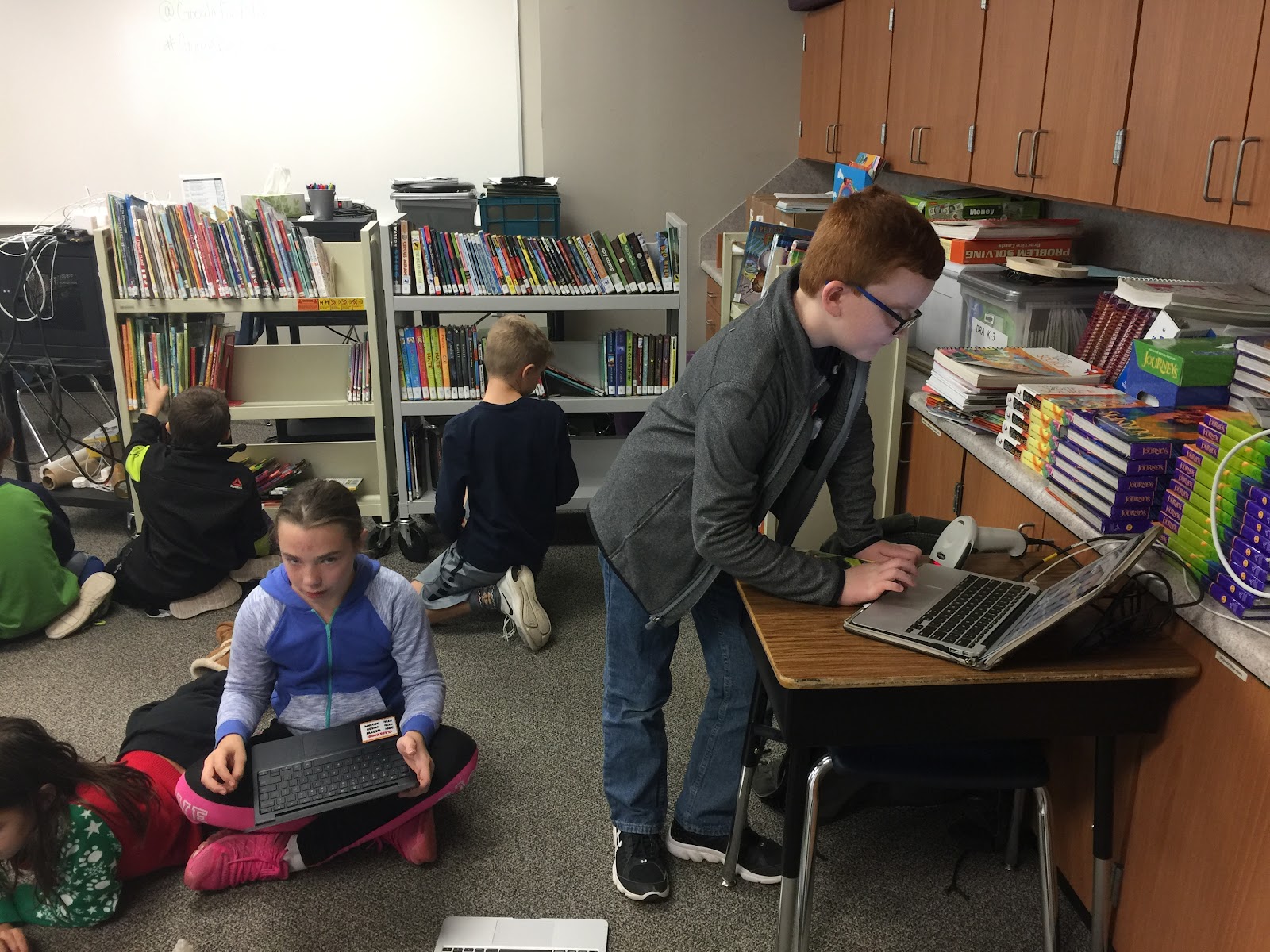
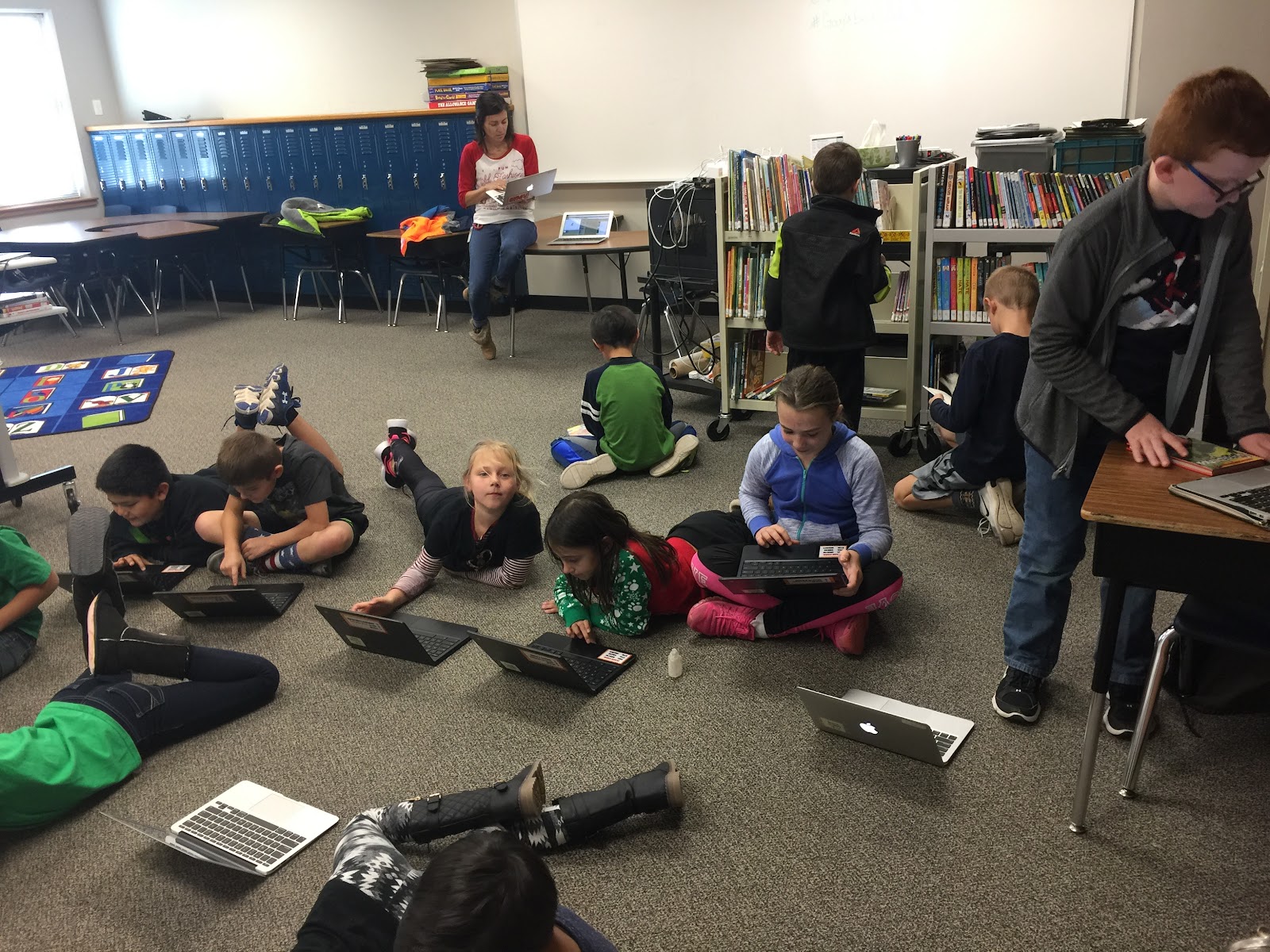


Fortunately, these hiccups actually worked out for the best as Hour of Code week fell within this time period and could be accommodated in our smaller space using MacBook and Chromebook laptops.


Kindergarten and 1st Graders learned how to code using Tynker’s Hour of Code Puppy Adventure game. This is the one I found was most compatible with the ability level of my students with regards to understanding coding as well as with use of a trackpad on a laptop. 2nd through 5th graders learned how to create a Holiday Card using Scratch. Scratch is awesome because it passes the “If Ms. Robertson can do it” test! Scratch has great step by step directions that, with a little modeling, can easily be followed by students. I absolutely love seeing the lights go off in students eyes as what they are doing “clicks” and then they take off on a creating rampage! Getting them to come to a stop so the next library class can come in is the hardest thing I have to do.


5th Graders got an extra little treat this week. I wrapped up our Scratch coding lesson about 10-15 minutes early each class and then we “made” a silent movie. Ask your kids what a silent movie is. The responses are so cute! Then actually explain the concept and the confusion on their faces is so precious. “Why didn’t they just record what the actors were saying?” What made it even funnier was that I’ve had laryngitis while teaching this and the kids thought it had something to do with not being able to talk!


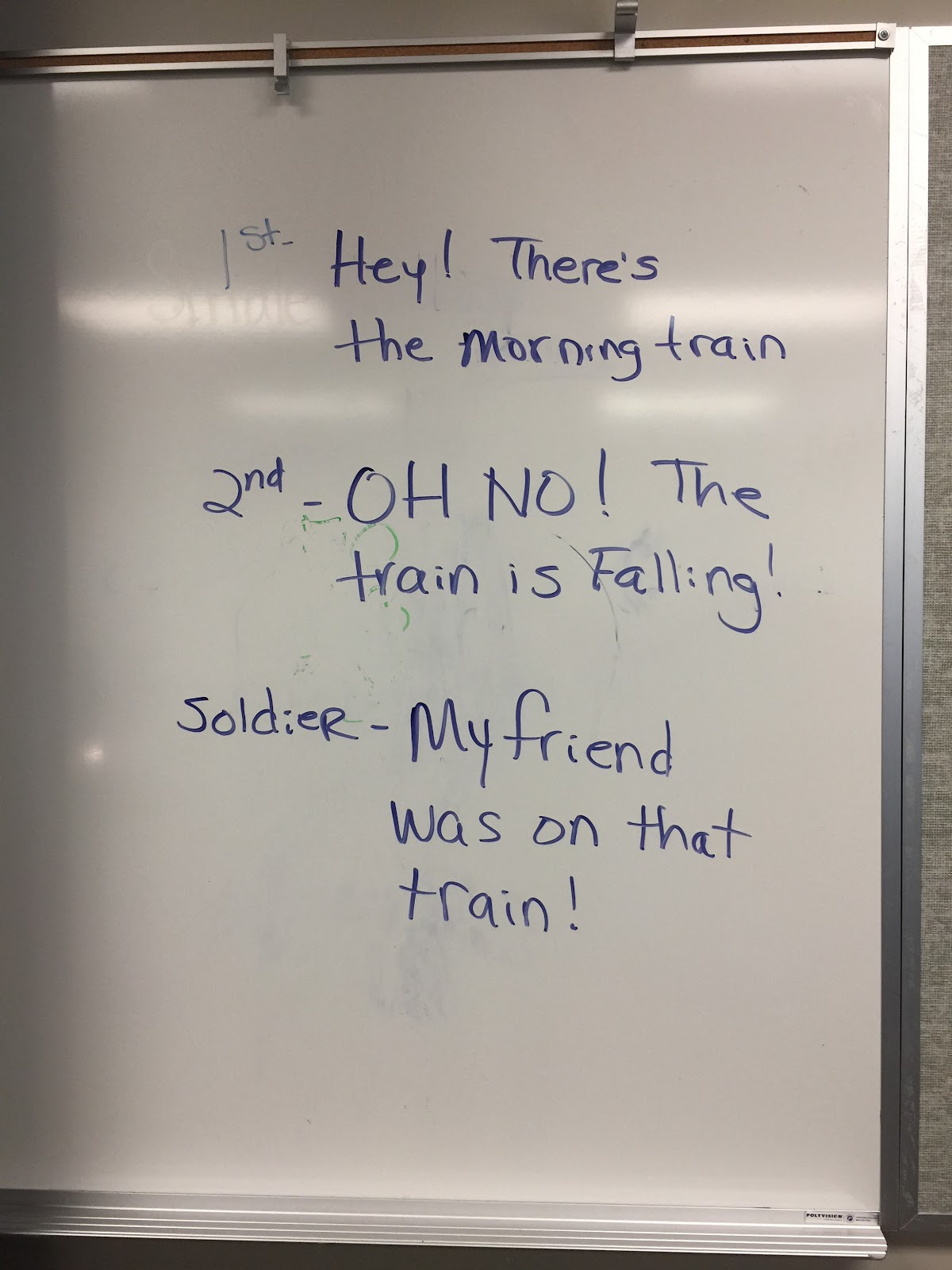
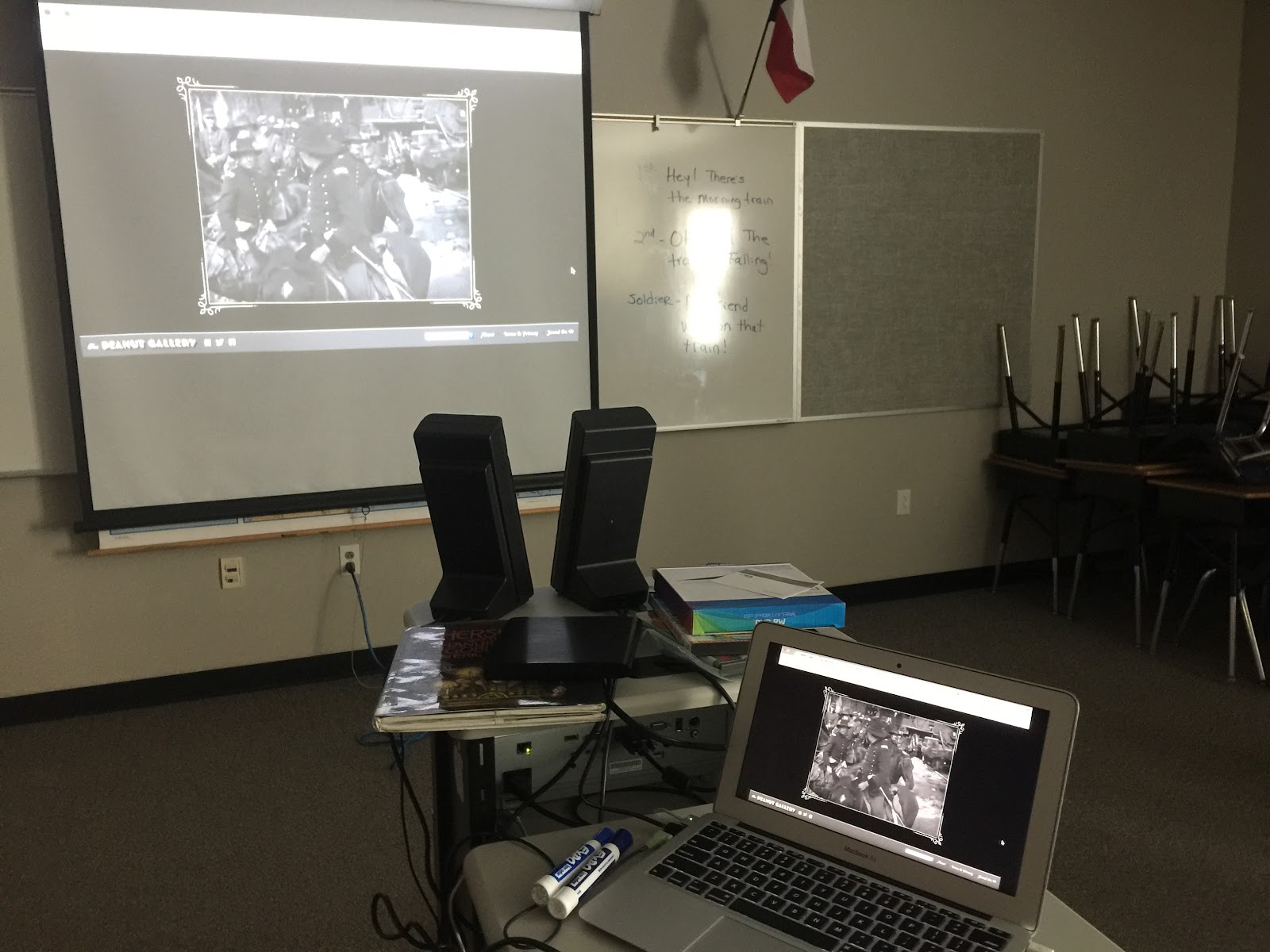
Once explaining what a silent movie was we then made our own silent movie using the Chrome Experiment, Peanut Gallery. We watch a movie clip and then worked together to write a “script” on the dry erase board. Then students were chosen to speak the parts in Peanut Gallery. Then we watched our silent movie! Watch two of the ones we made using the links below:


Ms. Reed’s Class: https://youtu.be/g2D0Ftk5-Jo


Ms. Evrard’s Class: https://youtu.be/l8dhiUEP3Q0


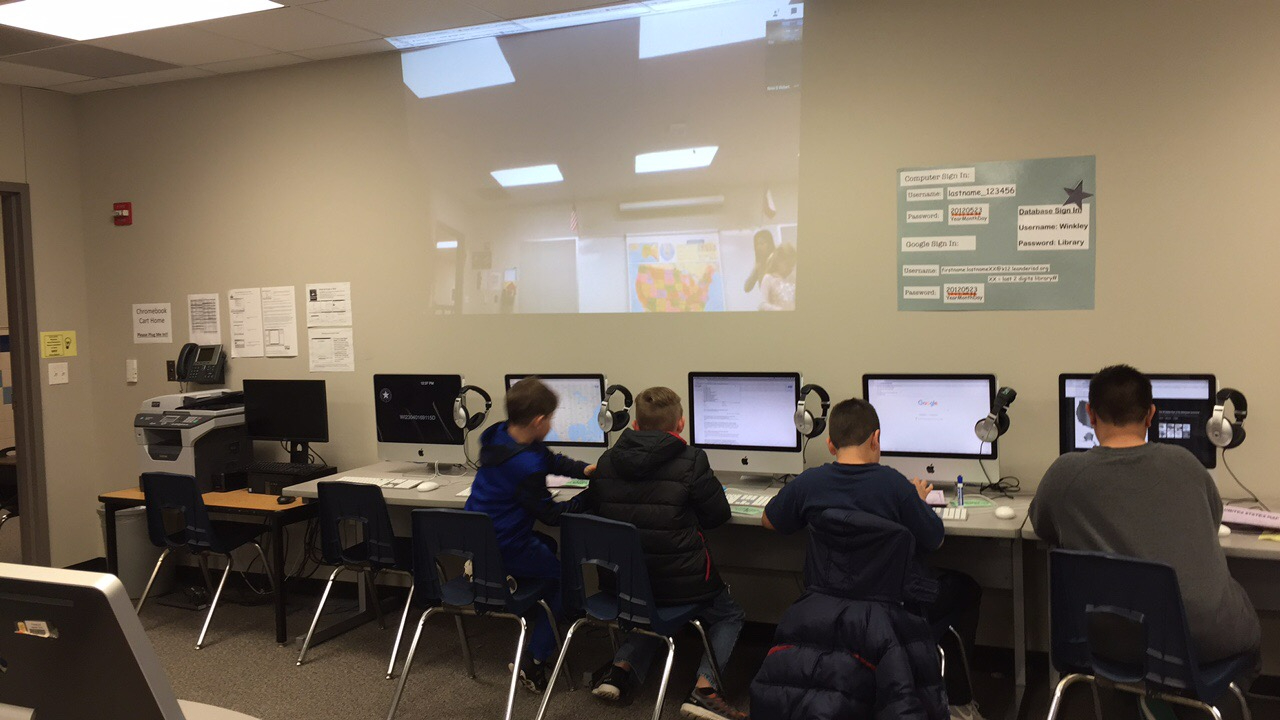
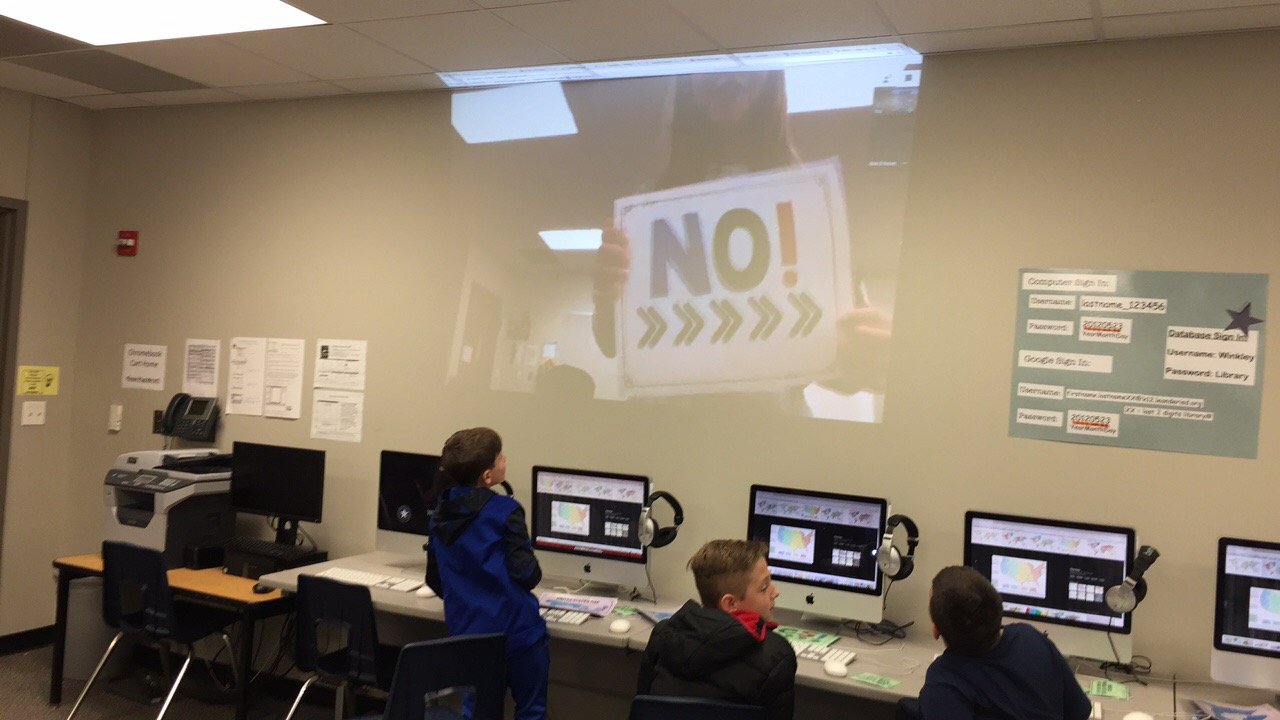
3rd through 5th graders also had the opportunity to participate in a “mock” Mystery Skype. What Sandy Perez, Dorothy Marinski (Instructional Coach), and I did to facilitate this activity is as follows.


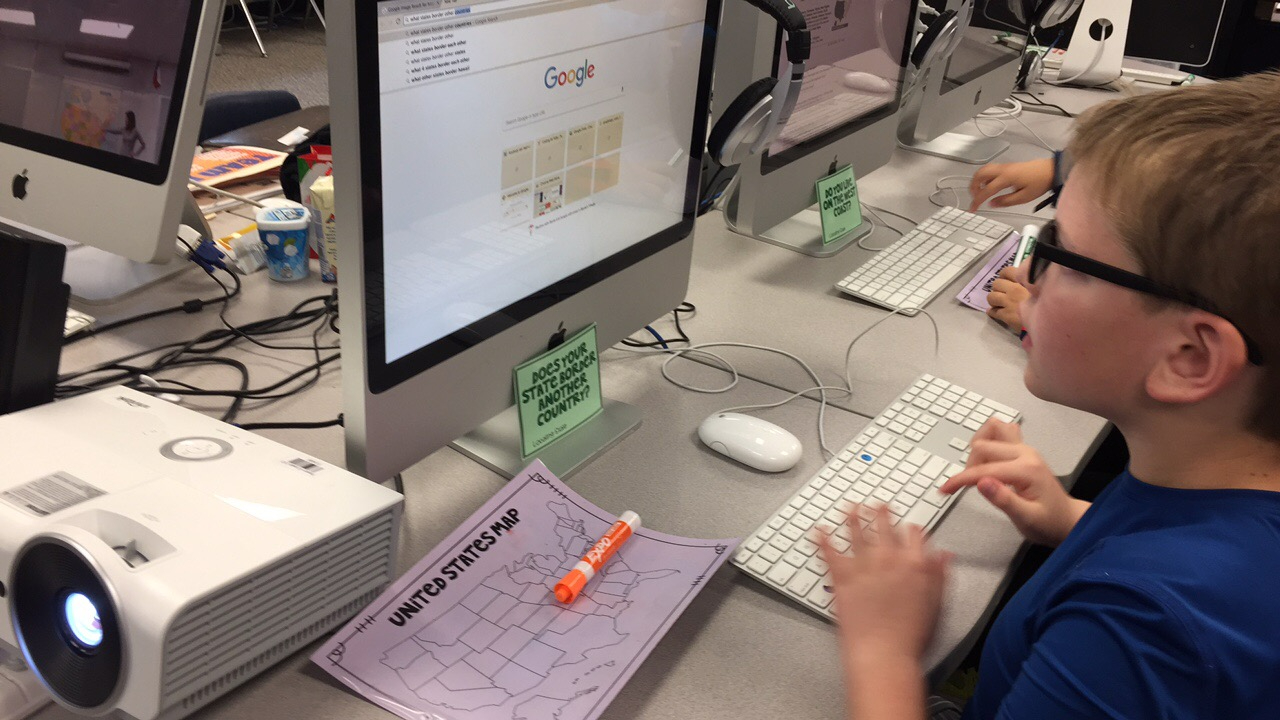
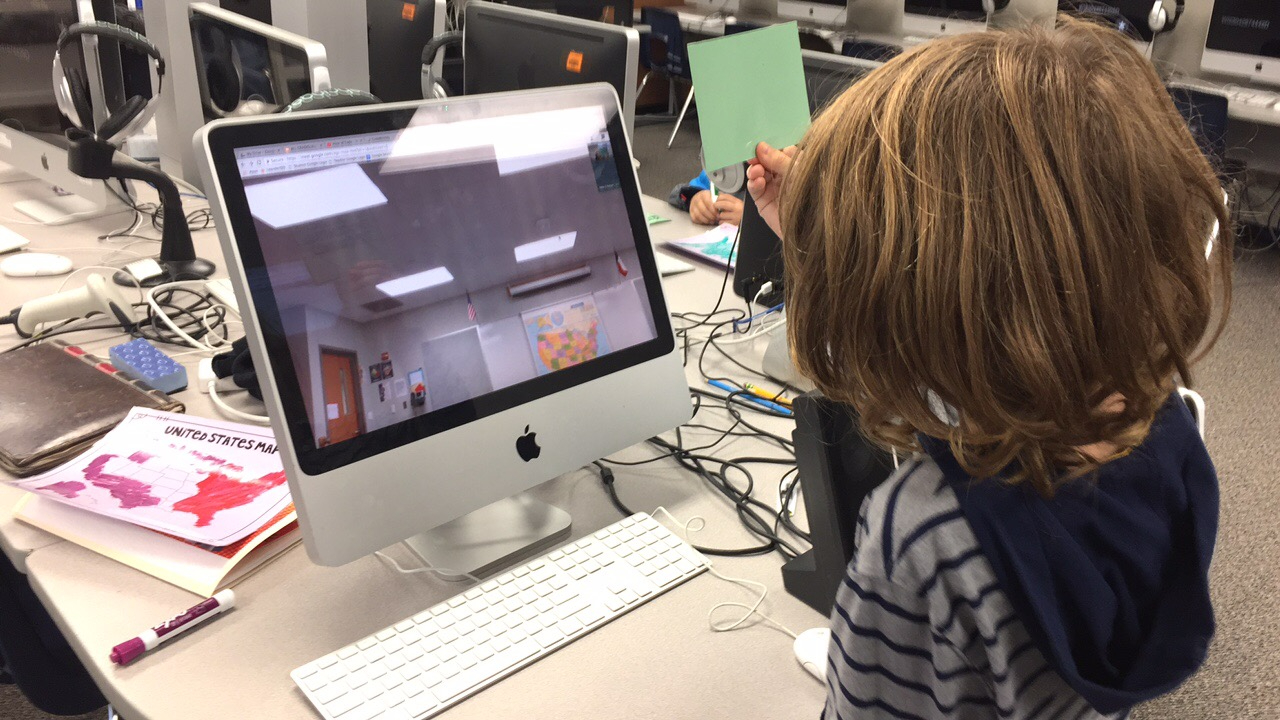
We explained the concept of Mystery Skype to students but told them just like in Sports or other competitions we wanted to practice first before competing against a “real” team. Thus, we split the class into two teams. Each team drew a state and city from a box where I had cut out 50 states and cities. In advance, I had also printed and laminated two sets of Mystery Skype “playing cards” that I got from Teachers Pay Teachers. I also printed on cardstock and laminated the US/World Maps provided inthe Teachers Pay Teachers package. Then, with dry erase markers in hand, Sandy and Dorothy took half of the class to a different room and we “Skyped” with each other. I say “Skyped” because we actually used Google Meet instead of Skype because it just worked better in our school setting. Students then proceeded to play Mystery Skype until one team was able to guess the other teams state or until we ran out of library time.


Now that we have played Mystery Skype the kids are super eager to play it for real! I promised the kids I would search over Winter Break for classes who wanted to challenge us to a game!


This activity was a great way to teach so many different skills! Research skills, map skills, deductive reasoning, critical thinking, effective questioning, and so much more!


A few classes these past few weeks even had some time to get silly with some apps! Check out the carnage that happened when BB-8 went crazy and attacked this 5th Grade class! OH MY!


The holidays can be such a stressful time. I love that we found a way to teach our kids lots of important skills while also having a bit of fun!


Monday, April 27, 2015

Google Hangouts or Skype: Which, When & Why?


The use of technology in our schools is bringing the world to our students. Thus, understanding how to best harness various technologies to get the most out of what your school has is essential.

Many schools focus on the SAMR Model when envisioning where they want the technology initiatives in their schools to take their students.  The ability to videoconference is one of these important technology tools that can kick your school's technology initiative into the higher levels of SAMR.

No matter what resource you decide to use, the important thing is to get kids connecting and collaborating with others. 

Many videoconferencing tools exist, my two favorites are Skype in the Classroom and Google Hangouts (Google Hangouts on Air).  


I use these two resources in two very distinctly different ways.  


Google Hangouts on Air:  


HERE is my presentation about using Google Hangouts at NCCE 2015.  It contains step by step picture directions! YAY!  


You can also watch me present about Google Hangouts for SimpleK12 HERE. 


Lee's Summit R-7 School District in Lee's Summit, MO has an all inclusive Google Hangouts Guide for Teachers.  The link I like best on this site is the one that takes you to a collaborative Google Document with amazing ideas collected from the #eduhangout group.  You can add how YOU have used Google Hangouts HERE.


Skype in the Classroom:


The best part of this post is near the end where they share stories from teachers who successfully used Skype in their classrooms for a variety of projects. To me, real learning takes place when we reflect on what we did in the classroom with our students and then share our successes and pitfalls/failures with others.

1- Working on a history project using Skype
This is a story of 7th  grade students who have used Skype as a part of their history project that resulted in their collaboration with the curator of the National Museum in Canada 
2- Using Skype to help a classmate join classroom from homeRead this post to learn how a 4th grade class used Skype to help a classmate with leukemia become a part of the classroom from her home.
3- Connecting two classes using Skype
learn how this teacher brought two classes, who had been tweeting all semester, to finally get together and meet face-to-face via Skype.
4- Using Skype in classroom language
Find out how this teacher used Skype to help her students learn a foreign language from native speakers of that language.


Friday, September 19, 2014

Two Weeks @ Elkmont & Beyond! September 8 - 19, 2014


Moving Forward at Elkmont!

Ms. Hardiman used Kahoot! with her students as a test review tool. The kids were completely into the game and learning at the same time! With Kahoot! teachers and students can create and play quizzes, discussions or even surveys using any device with a web browser… including a laptop, iPad, iPhone, iPod, Android, Chromebook, Windows Phone or PC and more.

Google Classroom is an awesome new resource for teachers, especially those in 1:1 or BYOD school like Elkmont. Ms. Horton, Ms. English & Ms. McMunn have bravely moved forward with learning Google Classroom & Google Drive and getting their students set up using their LCS GAFE account and connecting them to Google Classroom. The kids loved that they could carry on a conversation with their teacher in real time using the comments feature in Google. Students were also amazed that their teacher could see what they were typing! For teachers using Google Classroom there is no more papers without names, "I forgot bring my homework", "The dog ate my homework", etc. Teachers can see in real time their students progression throughout an assignment. Google Classroom is the ultimate formative assessment tool and relationship builder for teachers.

The Mathematics Department, Ms. Holt & Ms. McMunn tackled Khan Academy this week. For teachers, there is never any question as to how your students are progressing in math with Khan Academy. Once you become a coach in Khan Academy, teachers and coaches can access all of their students' data. You can get a summary of class performance as a whole or dive into a particular student's profile to figure out exactly which topics are problematic. The coach reports let coaches glance at their dashboard and quickly figure out how to best spend their time teaching. Khan Academy provides teachers with constant, real time feedback as to student progress which is a perfect formative assessment tool for the mathematics classroom.

Below are some introductory videos to both Google Classroom and Khan Academy. If you would like to get started with either of these technologies in your classroom please contact Ms. Nikki D Robertson to book a day and time.


Google Classroom Tutorials


Creating Assignments in Google Classroom (Step by Step Tutorial Coming Soon)

For a SlideShare Tutorial for Google Classroom click HERE.

Linda Lindsey has compiled a list of 12 of the BEST Google Classroom Tutorials HERE.


Elkmont Connects the Dots for International Dot Day


On Monday, September 15, 2014 Elkmont High School made their global mark by participating in International Dot Day. Ms. Tessa Hardiman's 5th grade classes participated in several different activities for Dot Day, but the activity they loved the most was connecting with other students around the country who were celebrating Dot Day too!

Using Skype and Google Hangouts, students from Alabama, Georgia and New Jersey connected and shared information about what makes their school and town awesome. It was exciting to watch as these kids connected, shared, learned and grew together during our Dot Day activities. One really fun thing we did using Skype was Mystery Skype.

Mystery Skype is a 45-60 minute critical thinking challenge that your class takes part in while Skyping with another class somewhere else in the world. Your students' goal is to guess the other school's location (country, state, city, school name) before they guess yours.

Learn more about Mystery Skype and other ways you can use Skype in the Classroom click HERE.

In addition to our fun with Skype, students also made Dot Day Trading Cards and recorded their dots using FlipGrid. Learn more about our Dot Day activities HERE.


Elkmont BYOD Gets A Boost With Google Classroom & Khan Academy


Mary Jane Hobbs empowered her students to become masters of their own learning this week by introducing them to Khan Academy. Khan Academy enables students to practice math at your own pace with our adaptive assessment environment. You can start at 1 + 1 and work your way into calculus or jump right into whatever topic needs some brushing up.

Each problem is randomly generated, so you never run out of practice material. If you need a hint, every single problem can be broken down, step-by-step, with one click. If you need more help, you can always watch a related video.

Teachers and coaches can access all of their students' data. You can get a summary of class performance as a whole or dive into a particular student's profile to figure out exactly which topics are problematic. The coach reports let coaches glance at their dashboard and quickly figure out how to best spend their time teaching.

Ms. Hobbs also got her students started on Google Classroom and Google Drive. Students no longer have to worry about losing a USB Stick, not being able to access an assignment because it is on their computer at home, etc.

Classroom is available to anyone with Google Apps for Education, a free suite of productivity tools including Gmail, Docs, and Drive.

Classroom is designed to help teachers create and collect assignments paperlessly, including time-saving features like the ability to automatically make a copy of a Google document for each student. It also creates Drive folders for each assignment and for each student to help keep everyone organized.

Students can keep track of what’s due on the Assignments page and begin working with just a click. Teachers can quickly see who has or hasn't completed the work, and provide direct, real-time feedback and grades right in Classroom.


Elkmont 5th Graders Collaborate With Google Drive


Ms. Missy Bailey's 5th grade students embraced the power of collaboration using Google Slides to work on their Project Based Learning presentation. The kids were so excited as they worked on groups on their MacBooks but on the same Google Slides. It was exhilarating to watch Ms. Bailey's students as they shared, talked, engaged and produced their PBL slides in Google.

One of my professional goals is to help teachers use technology as an efficient and effective tool for student learning instead of using it as an add on to the end of a traditional unit of study. Google Drive tools are well-suited for use as a starting point to help teachers begin to break the barriers of traditional methods of tech integration and design student driven learning experiences that require students to construct knowledge as they create, an idea supported by the Common Core State Standards (CCSS).

The features available in Google Slides make it a useful tool for helping students begin to develop digital literacy and engage in the types of learning experiences suggested by the Common Core. With Google Drive tools like Slides, technology and research are seamlessly integrated into the learning process as students are engaged in problem solving, critical thinking, communication and creativity.


Anytime Anywhere Anyplace Professional Learning


One great thing about technology is the ability to learn anytime anyplace...even in your PJs! Elkmont High School's Instructional Technology Facilitator, Nikki D Robertson, has been creating video tutorials for technologies taught to teachers and students. Additionally, Ms. Robertson offers this service for other technologies that teachers or students would like to learn. Watch our list of video tutorial resources to grow through out the school year HERE.


Do It Yourself Professional Learning


TL Virtual Cafe: Back To School Special - I always look forward to the beginning of a new season of TL Virtual Cafe.  I love that this awesome community gives everyone the opportunity to have a voice.  Be brave this year. Step forward, out of the stack and share with somebody, anybody, something great that you do in your library.  The more we share our story the more the public perception of libraries and librarian will change to a positive one.

#TLChat LIVE! Season Two- Season Two of #TLChat LIVE! tackled the topic of MakerSpaces in the Library.  The conversation was lively and the ideas shared provide all with something to take back to their schools to try.  

The #TLChat LIVE! Archive link click HERE

View a "Replay" of the chat via Nurph HERE


#GlobalTL: Librarians Without Borders- A Joyce Valenza production, #GlobalTL kicked off it's inaugural broadcast Thursday, September 18th with an all-star lineup of guests.  A great conversation regarding connecting, collaborating and librarians role in helping teachers with this took place.  If you missed the live broadcast you can watch a recording of the show below.


Saturday, September 20, 2014 at 12 pm ET

Have you ever wished that you had more time for hands-on work, collaborative projects, or labs during class? Perhaps you have heard about the Flipped Classroom concept, but weren't really sure what it is or if it could work in your classroom. In this webinar, you will learn not only what a flipped classroom is, but also how it can support Response to Intervention (RTI) Tier 2 and Tier 3 intervention strategies. Join Nikki Robertson as she shows how it fits within the Rigor/Relevance framework. As an example of what can be done, she will explore the Khan Academy and show ways in which their pre-made materials can be used in your Flipped Classroom. Lastly, she will share ways you or your students can produce customized Flipped Classroom materials from your own classroom.


EdCamp Atlanta: You Never Know What Will Happen!


This tweet from Andy Plemmons sums up EdCamp Atlanta!  You really just never know what is going to happen at EdCamp Atlanta or any other EdCamp because every EdCamp is different, yet the same.  Different because EdCamps are organically created on the day of the event by the participants who attend the EdCamp, thus making the experience and learning uniquely tailored to attendees, not contrived by what a school district thinks educators need to learn.  The same because the basic structure of an EdCamp is the same.  

Soapbox Alert:  Many schools and school districts have started what they are calling "EdCamp" professional development sessions.  These PDs often do not follow the EdCamp guidelines and often turn into the same boring and dreaded professional development that teachers hate and learn almost nothing from.  

The point of an EdCamp event is for it to be completely separated from any and all association with a school/district so that teachers can get outside of the school/district bubble and be exposed to new or different educational pedagogies. There should also be NO sessions or presenters planned in advance.  The point it to be completely participant driven.

EdCamp Atlanta prides itself on providing this for its attendees.  For the last three years, EdCamp Atlanta has provide a place where public, private, charter, home and university level educators can learn and connect with each other in a relaxed atmosphere ripe with learning opportunities.  

If you attended EdCamp Atlanta this year please add your reflections to our EdCamp Atlanta FlipGrid HERE.

Did you miss the EdCamp Atlanta SmackDown?  Check out all the cool resources shared by EdCamp Atlanta attendees HERE.

We need your help!  EdCamp Atlanta moves venues every three years.  This was Woodward Academy's last year to host EdCamp Atlanta.  We are extremely grateful to WoodWard Academy for opening their doors to us.  If your school would be willing to host EdCamp Atlanta 2015 please contact Wanda Hopkins McClure or Nikki D Robertson.  

Want to be a part of planning EdCamp Atlanta 2015?!  We would love to have you on board! Contact Wanda or Nikki to volunteer! 

EdCamp Atlanta sponsors were incredibly generous this year.  Without their contributions we would not have been able to provide breakfast, lunch or door prizes to attendees.  Please take a moment to thank our sponsors.


#iCONNECT Tech Tips Newsletter for Elkmont High School


Sunday, September 14, 2014

Is Your 1:1/BYOD Implementation REAL or "The Emperor's New Clothes"?


"But he hasn't got anything on," a little child said.


"Did you ever hear such innocent prattle?" said its father. 


And one person whispered to another what the child had said, 
"He hasn't anything on. 
A child says he hasn't anything on."

"But he hasn't got anything on!" the whole town cried out at last.


Scenario One:  

School District Technology Director sends out an email asking if _______ should be blocked or allowed under 1:1/BYOD Initiative that has already been rolled out.

Question:

Is this school district actually wearing "new clothes" or are they buck naked?

Scenario Two:

School District Technology Policy cannot be found on school district website and when asked for a copy of the school district policy one cannot be provided.

Question:

Is this school district actually wearing "new clothes" or are they buck naked?


Scenario Three:

School District rolls out a 1:1/BYOD implementation yet blocks all all forms of collaborative interaction (Skype, Google Hangouts, Social Media, etc) 

Question:

Is this school district actually wearing "new clothes" or are they buck naked?

Scenario Four:

School District has already or is preparing to rollout a 1:1/BYOD Initiative yet is only concerned with what device to purchase.  No thought is given to academic support, professional development,  curriculum, data and assessments, infrastructure, etc.

Question:

Is this school district actually wearing "new clothes" or are they buck naked?

Scenario Five:

Your school district has failed to understand the meaning of "Least Restrictive Environment" and have filtering set so high  that virtually no websites can come through, thus,  rendering the devices in your 1:1/BYOD virtually useless.

Question:

Is this school district actually wearing "new clothes" or are they buck naked?


Scenario Six:

School District has already or is preparing to rollout a 1:1/BYOD Initiative and hasn't taken the Project 24 self assessment to ensure they have all necessary components in place for a successful 1:1/BYOD Initiative rollout.

Question:

Is this school district actually wearing "new clothes" or are they buck naked?


Making decisions regarding your 1:1/BYOD Implementation through emails as situations and questions arise is just Bass Ackwards planning and based on extensive research by Project 24, will result in a 1:1/BYOD that fails or at the very least fails to meet the true intent of a 1:1/BYOD Implementation.  Even more bass ackwards is having no District Technology plan in place BEFORE rolling out your 1:1/BYOD Implementation.


Blocking virtually all forms of collaborative interaction like Skype, Google Hangouts, Social Media and other similar sites sets your 1:1/BYOD Initiative up for failure just like what happened with the iPad rollout in Los Angeles.  

Any 1:1/BYOD Initiative that fails to truly embrace the higher levels of the SAMR Model, especially Redefinition, which is all about collaboration and connecting students with others around the world, is simply investing money into a device that will do nothing much beyond what a piece of paper and pencil can accomplish.  

Project 24 is a MUST for any school district whether they have already implemented a 1:1/BYOD Initiative or are considering implementing a 1:1/BYOD Initiative.  The Project 24 framework helps districts address seven key concepts: academic supports; budget and resources; curriculum and instruction; data and assessments; professional learning; technology and infrastructure; and use of time.  Three easy steps to participating include (1) signing up; (2) assembling a team; and (3) taking the free self-assessment on which a confidential, customized report will be generated. Upon review of a district’s confidential report, it is up to district leaders to make the most of the resources that are available. 

School districts that want to continue posturing or saying, "This blog isn't about us. Our 1:1/BYOD is fine just like it is" should put their money where their mouth is and take the Project 24 self assessment. What do you have to lose?  Either you will prove that your district's 1:1/BYOD is top notch OR you will have an extremely valuable guide to assist in getting your 1:1/BYOD up to snuff. 

I've known a school district who was part of Project RED that puffed their chest and patted themselves on the back for being innovative and cutting edge that, in reality, was anything but.  In fact, many Project RED schools were used as examples of what NOT to do as well as what to do when Project 24 gathered data from over a thousand 1:1/BYOD schools to create their self assessment.  

Conducting a serious evaluation of your 1:1/BYOD Initiative is not only a win-win for your 1:1/BYOD Initiative but, more important, will lead to a 1:1/BYOD Initiative that is effective, engaging and empowering for the students you serve.